Wake Up An Animal Controls & Inputs
Know how to move, play your instrument, open Shop, and fix focus issues mid-wake.
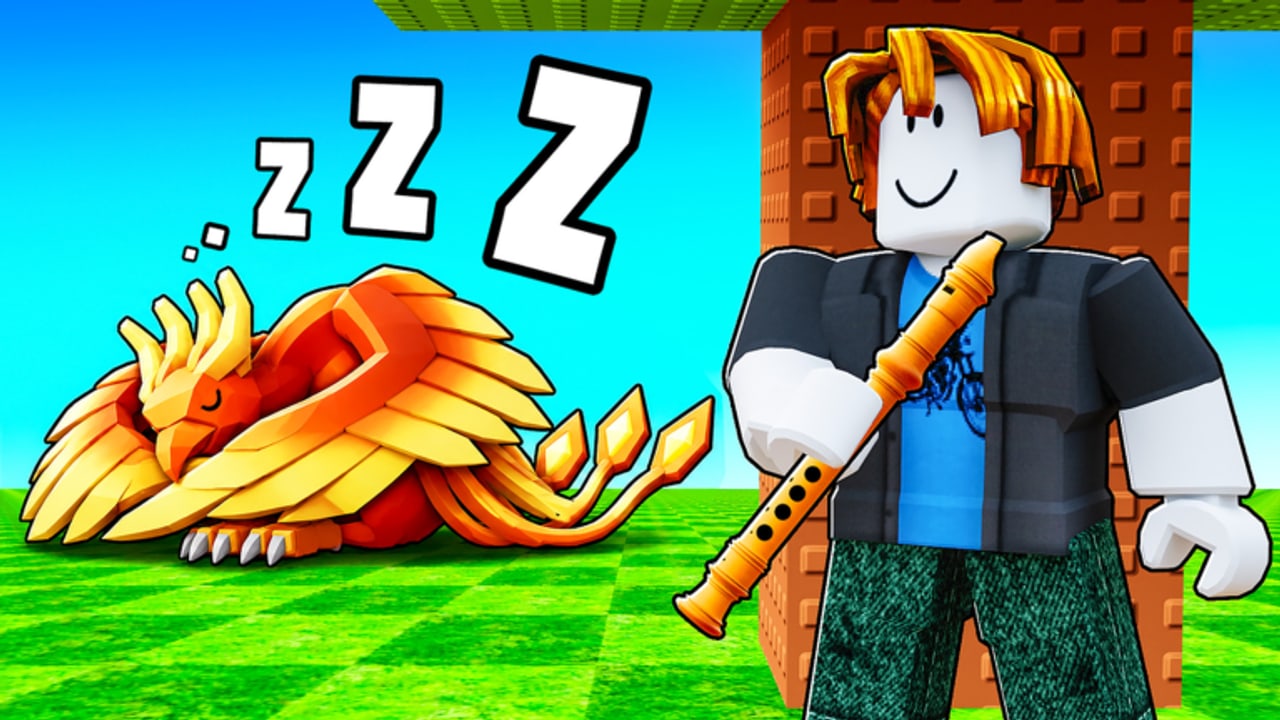
Clear controls keep Wake Up An Animal fun. The game is an incremental about waking animals with instruments, but missed inputs—chat stealing focus, Shop covering the play button, or holding the wrong key—cause more “broken game” complaints than actual bugs. This page gathers the practical control notes players repeat across guides and videos so you can sync keyboard and mobile habits.
Exact keybinds can shift with Roblox platform defaults or patch tweaks. After big banners, re-verify in a sandbox moment before blaming luck (Updates Hub).
Keyboard & mouse essentials
| Action | Common approach | Tips |
|---|---|---|
| Move | WASD | Strafe instead of sprinting into meshes |
| Camera | Mouse | Center the sleeper before playing |
| Wake / play instrument | Often hold E in community guides | Stand still through the hold |
| Jump | Space | Rarely needed mid-wake; jumping cancels attempts |
| Open Shop | HUD button / click | Required for codes & instrument buys |
| Chat | / or Enter | Close chat before holding E |
If hold E does nothing, check that an instrument is equipped, you are in breath range, and no text field is focused.
Mobile essentials
| Action | Common approach | Tips |
|---|---|---|
| Move | Left thumb stick | Keep distance once breath allows |
| Camera | Swipe right side | Re-center after each wake |
| Wake / play | On-screen play control | Do not cover it with the Shop sheet |
| Shop | HUD icon | Rotate device if UI clips |
| Codes field | Tap input carefully | Type phrase, then confirm |
Mobile players should finish How to Redeem slowly—the on-screen keyboard loves hiding submit.
Wake input deep dive
The wake verb is documented in How to Wake Animals. Control-specific advice:
- Equip first; inputs do nothing without a tool.
- Release chat/Shop focus.
- Stop moving.
- Hold or press play for the full attempt.
- Only then tap camera adjustments.
Breath upgrades (Breath Training) reduce how often you must micro-adjust while holding play.
Shop & codes controls
Shop houses VIP/cash/lucky offers plus the premium code field. Flow:
- Click/tap Shop.
- Scroll to the text entry—not a Robux bundle by mistake.
- Focus the field.
- Enter the community phrase carefully.
- Confirm once.
- Close Shop before the next wake so E is not typing into a leftover field.
Status caveats: Codes Hub.
Five-player input collisions
With only five players, avatar overlap causes accidental movement mid-hold. Solutions:
- Stand at mid breath range.
- Avoid stacking on the same rock.
- Wait if someone else started a wake (Players Hub).
Troubleshooting matrix
| Symptom | Likely control issue | Fix |
|---|---|---|
| Hold E types in chat | Chat focused | Close chat, click world |
| Play button missing | Wrong hotbar / unequipped | Re-equip instrument |
| Attempt cancels | Jumped or nudged | Stand still; increase breath |
| Cannot open codes | Tutorial lock / UI clip | Progress onboarding; rejoin |
| Mobile confirm hidden | Keyboard overlay | Dismiss keyboard slightly, then tap |
Accessibility & comfort
- Lower camera sensitivity if you overshoot sleepers.
- Use quieter environments when learning—tutorial orange meadow noise plus four other players is a lot.
- Take breaks; incremental sessions do not need marathon holds.
Practice routine (5 minutes)
- Equip starter or current instrument.
- Open and close Shop once (focus discipline).
- Wake one common from mid-range without moving.
- Open chat, close chat, repeat wake.
- On mobile, repeat with keyboard dismissed.
Pair with Getting Started on day one and Instruments when hotbar slots multiply toward the ~20 unlock fantasy.
Related pages
- How to Wake Animals
- Getting Started
- How to Redeem Codes
- Guides Hub
- Scripts Hub (spoiler: scripts are not a control scheme)
- Wiki Hub
Master focus, hold the play input cleanly, and treat Shop as a mode you fully enter and exit. Good controls make breath and luck upgrades feel powerful instead of random.
Frequently Asked Questions
Quick answers to the most common questions.
What key wakes animals on keyboard?
Community guides commonly describe holding E while an instrument is equipped. Confirm in your session after updates.
Why does E type in chat instead of waking?
Chat or another text field has focus. Close it and click the game world before holding E.
How do I open the code field?
Open Shop, find the premium/codes text input, type carefully, and confirm. Details are on How to Redeem.
Are mobile controls supported?
Yes. Use on-screen move, camera, and play controls. Watch for the keyboard covering Shop confirm.
Do scripts change controls?
Unauthorized tools are unsafe and unsupported here. Learn legitimate inputs instead.